Gacha
The gacha system is a fun way of getting items in your roleplay server. If the staff members in your server have set it up, here's how you can use it!
Note
All user/player-facing gacha commands are stored in /gacha.
Profile and Currency
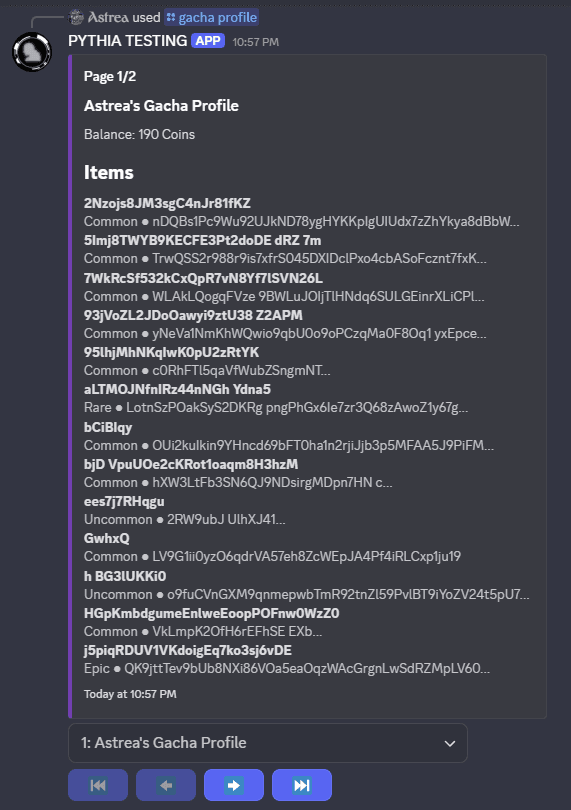
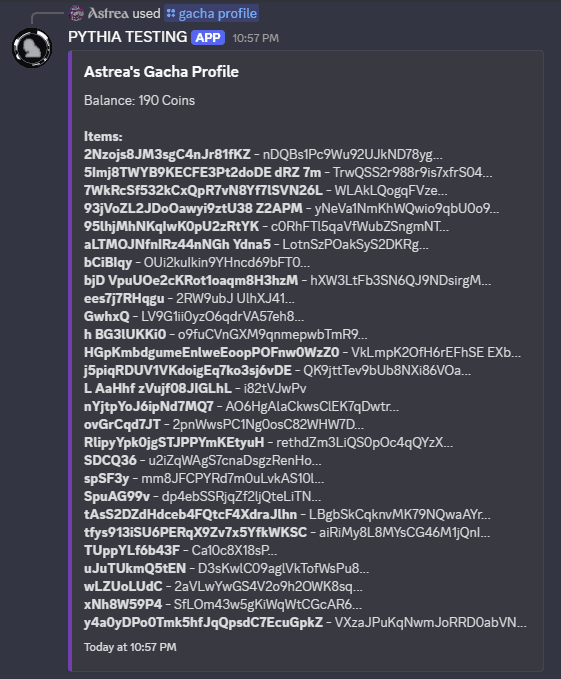
Before drawing, you'll probably want to know how much coins/currency you have. To see that and what items you've drawn, you can use /gacha profile or /gacha inventory:
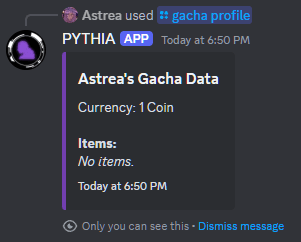
Currency, of course, is your way of being able to roll in the gacha system. Staff will give you currency to use, usually depending on a number of situations in the game, so please refer to them for the ways you can gain currency.
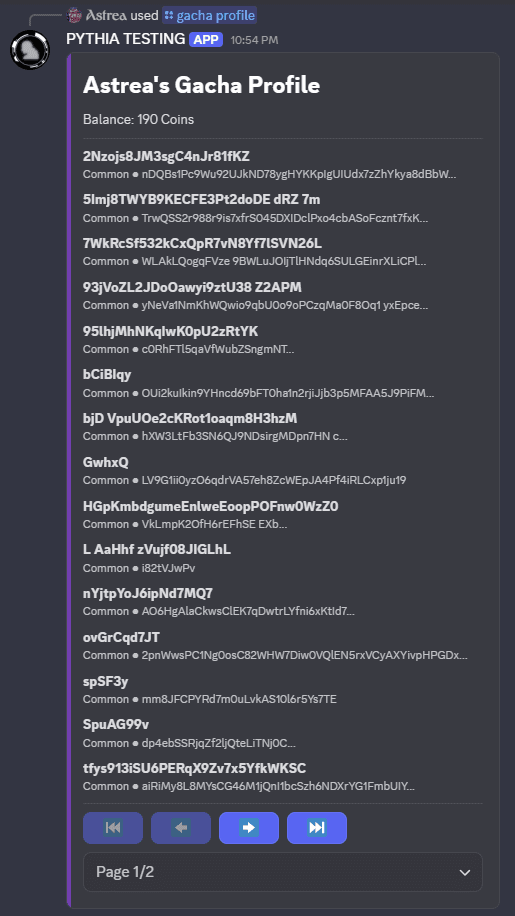
/gacha profile has a few options to discuss. For example, you can sort the list by name, rarity, or time first gotten using sort_by:
Note
When sorting by rarity, items will be sorted in ascending order of rarity (common -> legendary). Within the same rarity, items will be sorted by name.
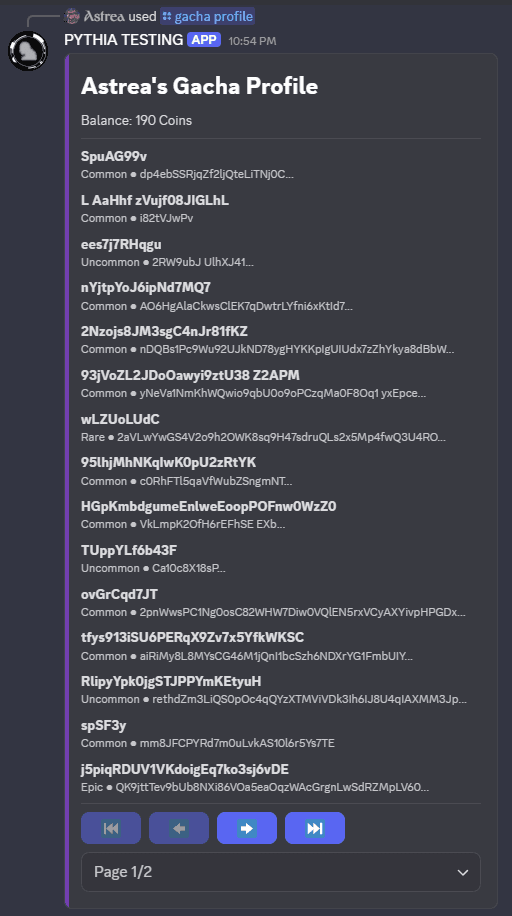
And you can adjust the display mode using mode:
Using An Old Discord Mobile Version?
Users using old Discord mobile versions (older than December 2024) will not be able to use either of the modes with "Modern" in it. This is a technical limitation, as these new modes use new Discord features. Please manually select Cozy or Compact for mode when you use this command instead.
Note
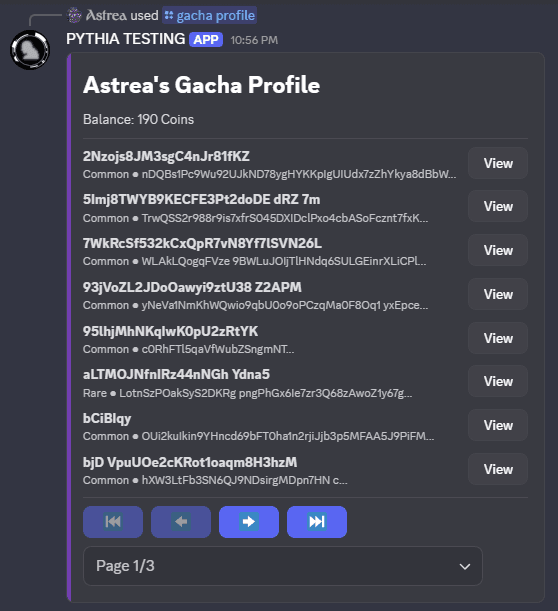
Spacious mode exchanges the number of items that can be displayed on a single page for an extra "View" button that acts as a convenient way to view item details. The details are identical to /gacha view-item.
Rolling/Pulling/Drawing
The main event! To use the gacha, you can use /gacha roll, /gacha draw, or /gacha pull. This will give you a random item from the gacha pool, and it'll be added to your gacha item inventory. Here's an example of what that looks like:
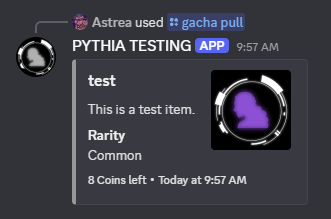
A gacha item's rarity determines how likely it is to be drawn. The rarer the item, the less likely it is to be drawn. The rarities are usually defined by the staff, but they can include things like "common", "uncommon", "rare", "epic", and "legendary". Note that some servers may not use rarities at all - the item's rarity will not be displayed if that is the case.
Finally, each use costs a certain amount of currency (dependent on the staff - the bot will tell you how much each use costs if you do not have enough), so be sure to check how much you have before you draw!
Viewing an Item
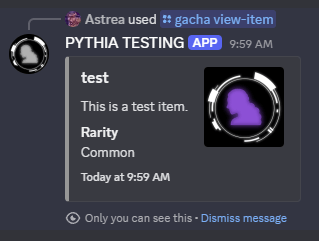
Now, /gacha profile, as mentioned earlier, can be used to view all of your items. But if you want to see more information about a single item, you can use /gacha view-item and specify the name of the item you want to see. This will give you a more detailed view of the item, including its description, rarity (if the server uses rarities), and image (if it has one).
Giving Currency To Another Player
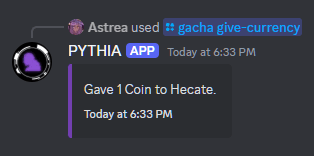
Feeling generous? You can give currency to another player using /gacha give-currency. This will give the specified amount of currency to the mentioned user. Here's an example of how that looks:
Notes
- Items are made by the staff of your server. PYTHIA does not take responsibility for the items in the gacha system.
- You may or may not be able to draw items you already own - that's, once again, dependent on staff.
- As implied earlier, the staff decide if they wish to use the gacha at all. It's a good idea to defer to them for any questions about the gacha system in your server.